Loon Lake First Campout of 2017

Due to the heavy snowfall this past winter, many of the campgrounds had delayed openings. My normal May start to the season was therefore put off all the way to July this year. That actually (more…)
Due to the heavy snowfall this past winter, many of the campgrounds had delayed openings. My normal May start to the season was therefore put off all the way to July this year. That actually (more…)

This is a problem that has plagued me before so I figured I outta write about it now so I don’t have to go back and research it all over again. You click that windows icon in the bottom left corner of your screen and nothing happens. Or you try and type something in the windows search bar right next to it and nothing happens. Aggravation!
I was working on cleaning up my computer so after scanning registry files with some old Eusing software (not updated for Win10), 672 registry files were deleted. Big mistake by me. Anyway, all kinds of things went haywire. Like the search feature didn’t work, screenshots didn’t work, double clicking photos or movies resulted in an error, and the start menu did not come up . In fact the only way to pull up the basics in start menu was to right click. This is all caused by corrupt or missing system or registry files.
First thing you need to do is fire up Windows PowerShell and run as administrator. If the search bar works you can put in PowerShell and select run as admin. But, as in my case, that is not possible then you can use the Task Manager. Open by right clicking the bottom task bar and select it. Go to File/Run new task/ type powershell . Check the Create this task with administrative privileges box, then OK.
First command: type sfc /scannow and press Enter. Then wait, it will take a while. It will say when it’s done.

Second command: type dism /online /cleanup-image /restorehealth and let it go through its process.
Third command: type Get-AppXPackage -AllUsers | Foreach {Add-AppxPackage -DisableDevelopmentMode -Register “$($_.InstallLocation)\AppXManifest.xml”} This will remove and reinstall Metro Modern Apps.
When these are all done, reboot and see if it works. If not you may need to reinstall Windows 10 and that’s a whole other subject.

In May, our good friends, Scott and Ann, stopped by on their two month vacation and spent nine days with us. What a great time we all had. Three days we spent in Mendocino at (more…)
Conspiracy theories, attacks on the media, and other troubling moves by the Trump administration. All chronicled by day and week. An up to date tracking of this buffoon’s delusional antics.
Source: Trumpocracy: Tracking the Creeping Authoritarianism of the 45th President | Mother Jones

This is the 7th or 8th Easter Egg hunt at Nanna and Gramps. As usual along with Molly, Nigel, Atticus and Olallie were (more…)

Because of the many years of drought here in California, millions of pine trees have been killed from Bark Beetle infestation. On our property (more…)
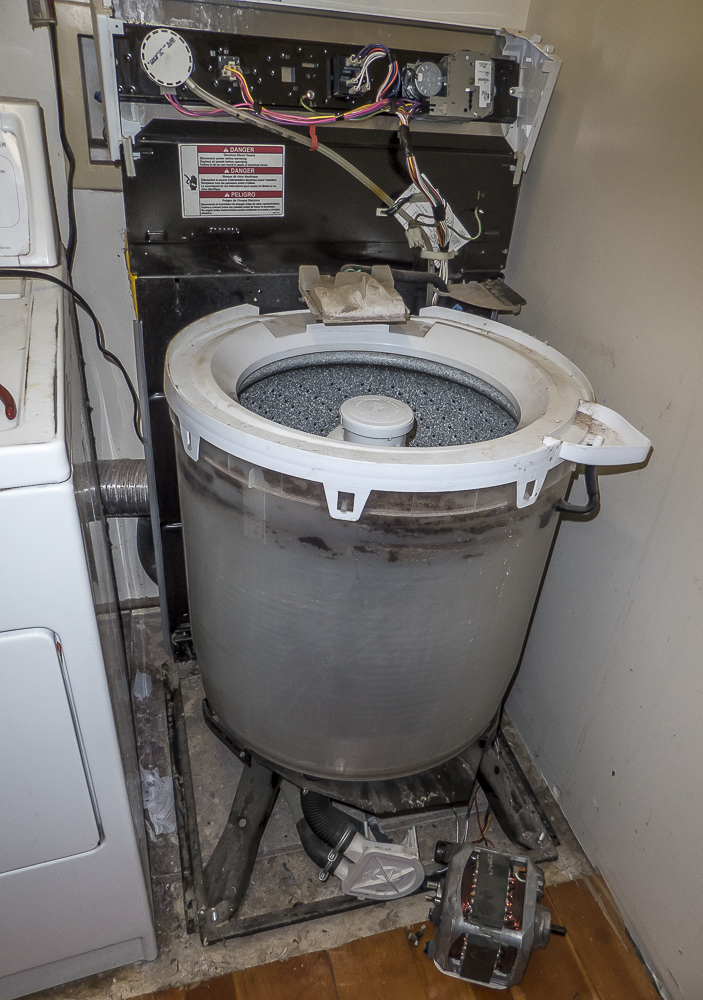
Well our old Kenmore 70 series stopped right in the middle of a rinse cycle filled with water and wouldn’t budge. So I went to YouTube to find a solution. One of the most common causes (more…)
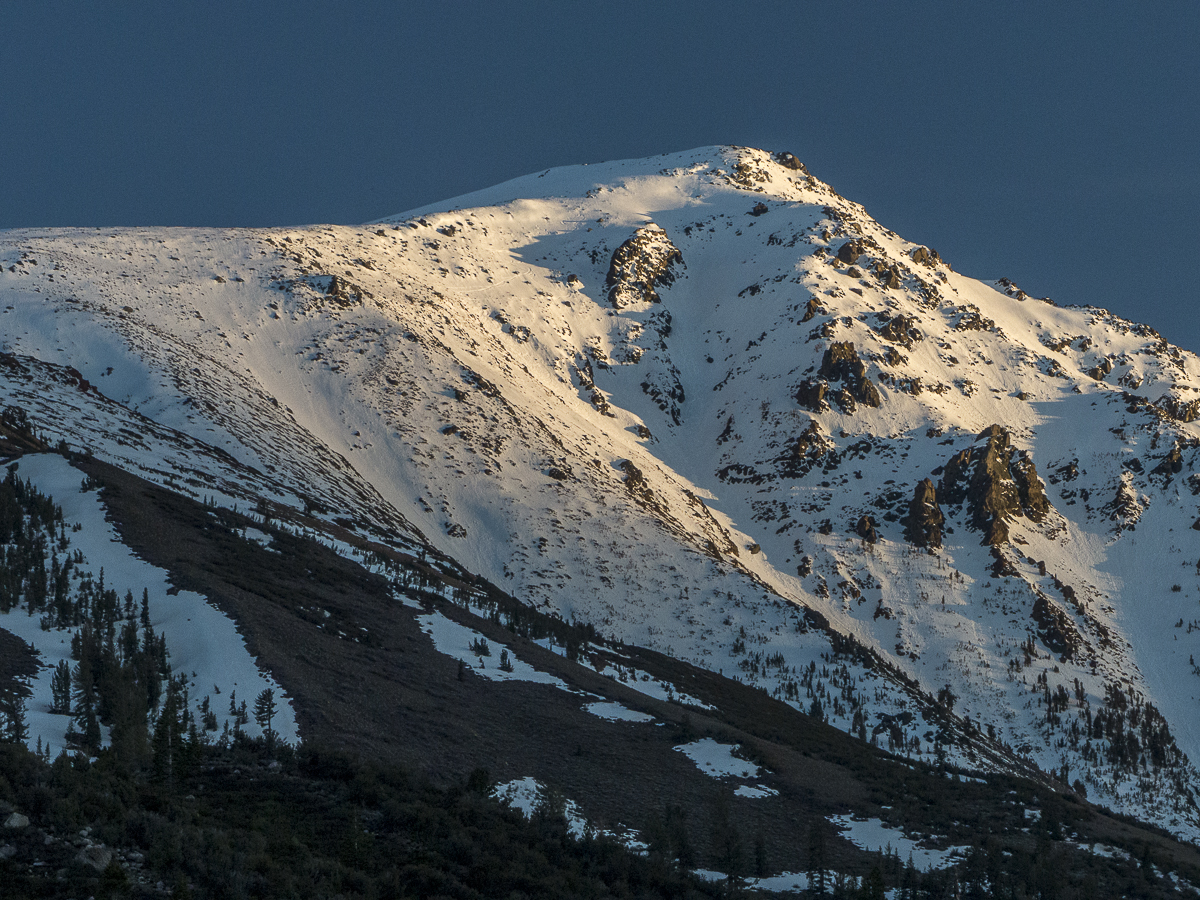
Nevada Irrigation District is trying to pass the creation of the Centennial Dam which would inundate our beautiful Bear River, just over a mile (more…)

In February I flew to Chicago, met up with my mom and we drove her car 800 miles to Georgia to see my son Zach and meet his wife Tara, step daughter Ella, and my new grandson Chance Panek. Our little road trip (more…)

After a break in the rains, we found a nice sunny day to hike the Stevens Trail hike here in Colfax. The trail goes all the way down (more…)